No timer, no score, no bad conscience. One puzzle, one coffee, as much time
as you like — from your first Starter puzzle up to Titan, which demands a real chain.
Two gestures, everything in flow

A short tap sets the digit, a long press notes it. The number pad stays where it is
and the buttons do not wander — after a short while you play without looking.
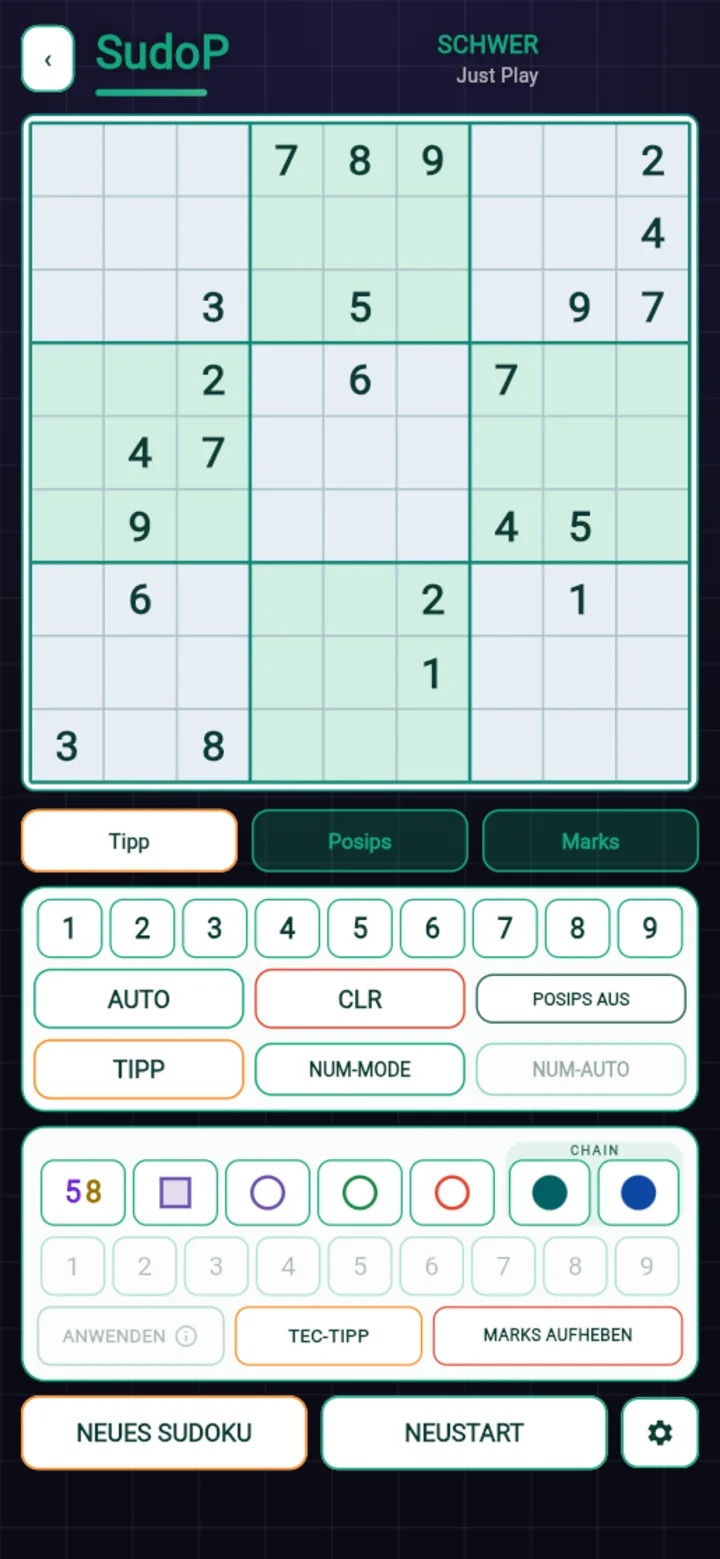
Help is there if you want it: Hint shows where to continue,
Live check flags mistakes at once, Posips and
Marks hold your thoughts. All of it can be switched off — purists
simply switch nothing on.
The animation on the right is the in-app tutorial: short tap, long
press, note menu.
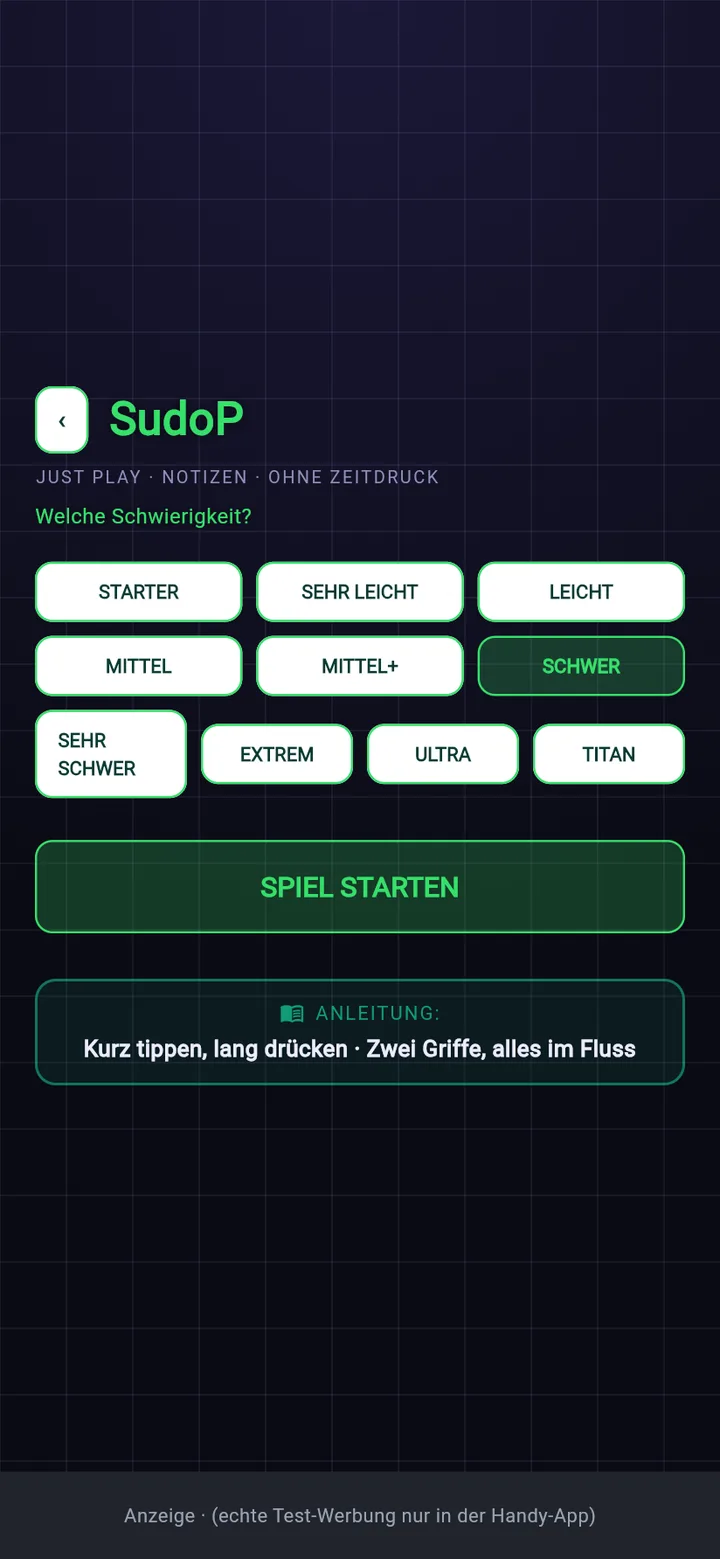
Ten difficulties — all playable
Starter, Very easy, Easy, Medium, Medium+, Hard, Very hard, Extreme, Ultra, Titan.
The first six need no specialist knowledge. From Very hard the
technique game begins, Extreme puts exactly one technique step in the
way, Ultra two to twelve — and every Titan contains
at least one real chain, guaranteed.
“Guaranteed” is not a marketing phrase but a built-in condition: a Titan that can be
solved without a chain is never shipped. On average eight are generated before one
passes every check.
31 techniques
5 checks per puzzle
Exactly one solution
No guessing needed
Marks — chains in the grid instead of in your head
Classic candidates are there of course, automatic or by hand. The difference lies
above that: Marks are coloured markers for true and false nodes, for
eliminations and placements. With them you hold a chain in the grid instead of
carrying it in your head.
That is exactly where most people fail at Ultra and Titan — not at understanding,
but at remembering. With Marks the reasoning stays visible, and an X-Wing or an
XY-Chain becomes something you can follow calmly.
Plus the technique hint: it does not name the digit,
it shows what the pattern looks like. If the technique is new to you, one tap takes
you into the matching lesson.
SudoSelect Pro — order your puzzle
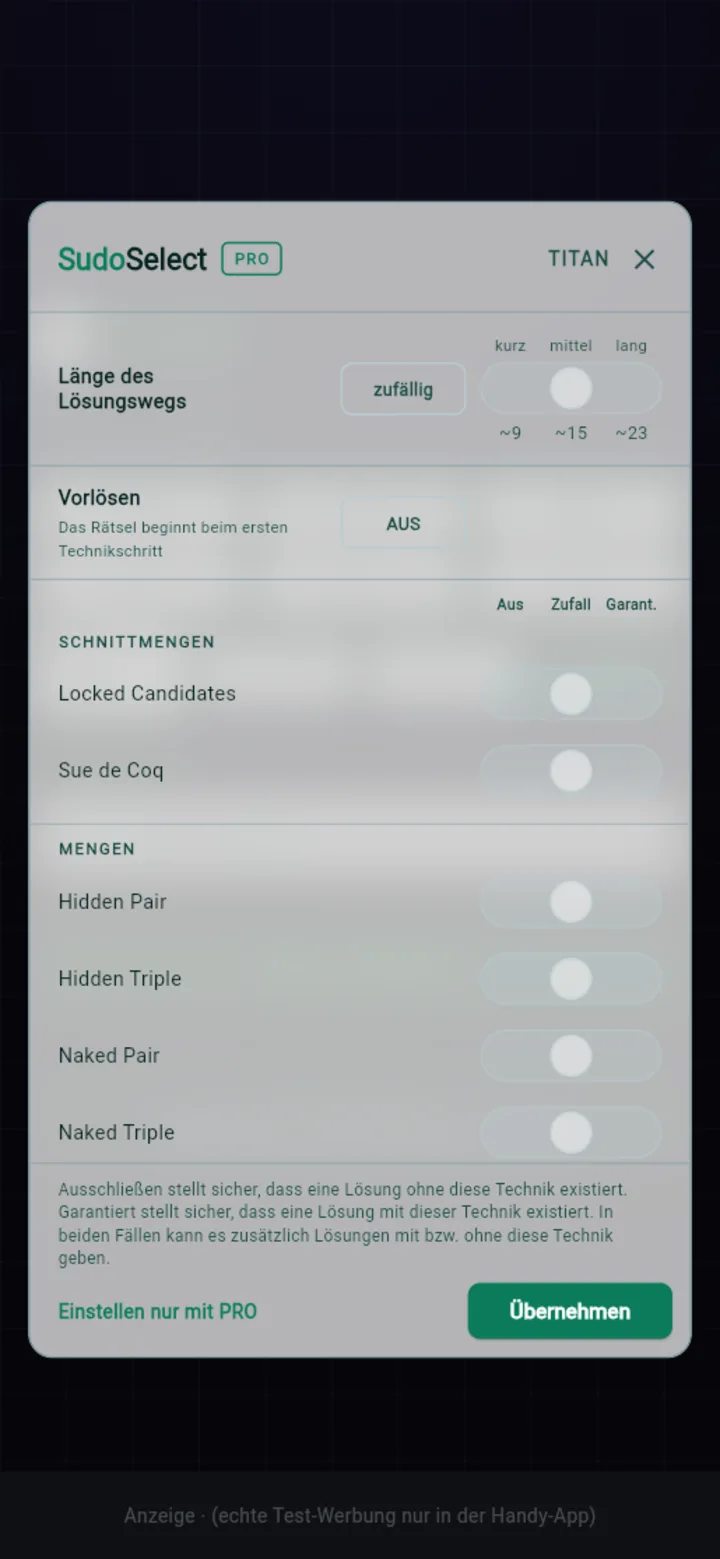
From Extreme upwards SudoP shows the technique selection. There you
decide what the solving path should contain: exclude a technique, leave it to chance
or guarantee it. Plus the length of the path — short, medium, long, with the actual
step count beside it — and pre-solve, which fills in the obvious
digits. The puzzle then starts at the first technique step.
If you want to practise Swordfish, you get Swordfish. Twenty times in a row if you
like. Combinations backed by too few puzzles are locked by the app itself, so you
never get the same one twice.
The same tool sits inside SudoCreator: there it decides which technique
appears in the puzzles of your printed booklet.
And if a technique is missing?
Then you learn it — in the same app, with practice and drilling.