
Home › Offline
Play Sudoku offline — no internet, no account
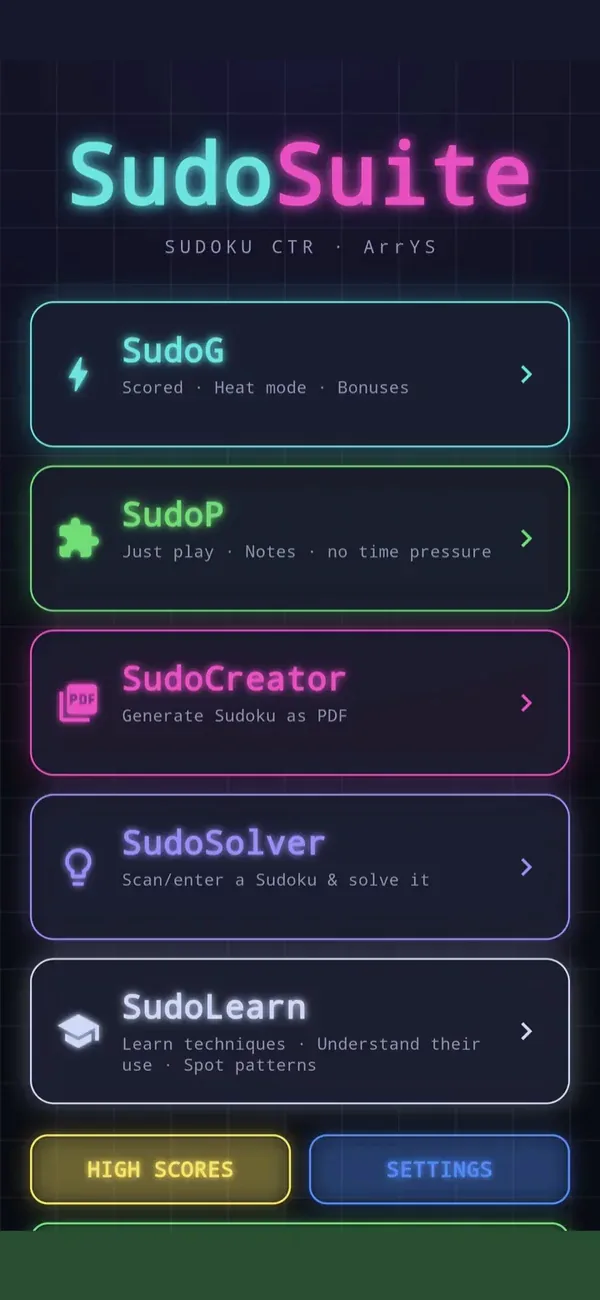
SudoSuite runs completely offline. Flight mode on, app open, play — your puzzles are made on the device, in all ten difficulties. Nothing to download, nothing to sync, nothing to sign in to.
That goes for the whole app: the technique course, the trainer, booklet printing and the solver work without a connection just the same. The candidates at the touch of a button, the live check as you place a digit and the coloured Marks are all worked out by your phone itself.
- No internet needed
- No account
- No syncing
- Nothing to download
What works without a connection
- Every puzzle, all ten difficulties. The app comes with its own stock and generates new puzzles itself — it fetches nothing from a server.
- The complete technique course with 36 chapters, exercises and the trainer.
- Printing your own booklets. The creator does the work on the phone; the finished PDF is then yours, on the device.
- The solver solves and explains step by step, likewise without a connection.
- Points, statistics, learning progress — all stored locally.
Why that is not a given these days
There is not a single point at which SudoSuite has to reach out to the network: the puzzles are made on the device, no ads run during play anyway, and there is no such thing here as a saved game in the cloud. With many apps the playing does work without a connection, but everything around it still fetches something from the internet: new puzzles, ads, the saved game from a server. In a dead spot, on a plane or in a basement waiting room, that is where a loading bar brings things to a halt.
Good on the move
Underground, train, flight, a holiday with expensive data roaming, a waiting room with no signal: those are the moments a Sudoku app ought to be built for. When time is short, the trainer steps in with short, self-contained situations — more about that under Sudoku on the go.
Where the puzzles come from with no connection
The app does not download puzzles — it works them out itself. Behind that sits the same generator that makes your printed booklets: it builds a grid, checks it for exactly one solution and grades it by the techniques needed to solve it. That is why you will not run dry on the tenth train journey, and why every puzzle can be solved without guessing, whether you are online or not.
Train, plane, abroad
In flight mode everything works as usual. Abroad the app costs you no data, because it needs none. And in a dead spot between two stations, exactly what should happen happens: nothing. No loading bar, no “connecting”, no lost game.
The two places where a connection comes in
Exactly two things: the ads outside the game are loaded as long as you do not have Pro — offline the space simply stays empty and the game carries on. And buying Pro runs through Google Play, which needs a connection once. Nothing else: no signing in, no syncing, no downloading of puzzles.
Offline also means easy on your data
What is never transmitted cannot be collected either. No account, no usage analysis, no crash reports; saved games sit on the device. You can read about it in the app privacy statement.
No connection, no sign-up
Install it once, then play anywhere: in a tunnel, on a plane, on holiday without a single byte of data. Free and without an account; Pro comes on top as an optional one-off.
Common questions
Can I play SudoSuite without internet?
Yes, completely. After installation the app needs no connection — not for puzzles, and not for the course, the creator or the solver.
Will I run out of puzzles in flight mode?
No. The app generates new puzzles itself, in all ten difficulties.
Do I need an account?
No, there is none. Nothing to sign in to, nothing to sync.
Are my saved games kept?
Yes, they sit on the device. If you want, Android backs app data up to your Google account, so it comes along when you change phones.
Does the app use mobile data?
Not for the game itself. Without Pro, ads are loaded outside the game, which needs a connection; offline the space simply stays empty.