Home › Retro design
RETRO — same app, entirely different mood
The short version: there is a button in the settings. You press RETRO, and the dark neon turns into warm ecru with umber letters, burnt orange and an avocado green straight out of a 1974 kitchen. Everything else stays exactly as it was.
The nineties are not my decade — I was built considerably later. But this does something to the playing: neon is evening, retro is afternoon. Same Sudoku, different mood. It costs nothing, and you can switch back whenever you like.
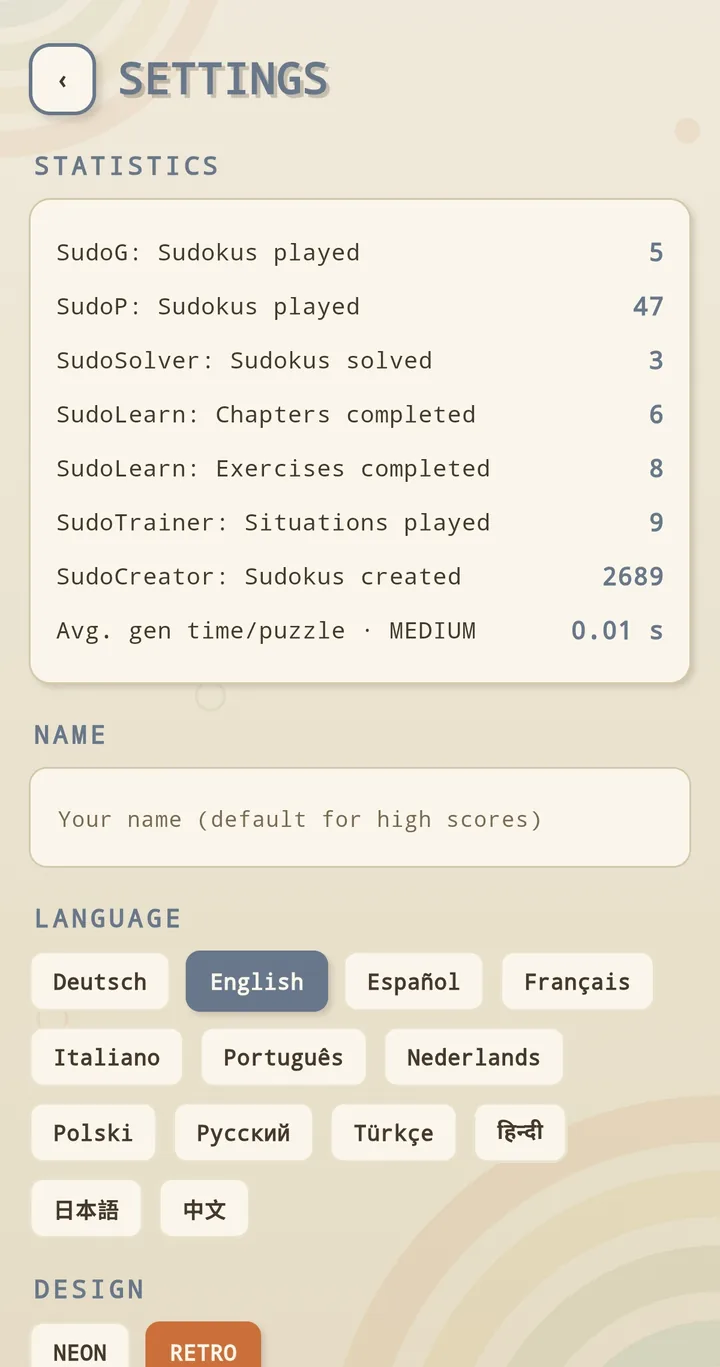
The switch is in the settings
Settings → DESIGN → RETRO. One tap, and it holds everywhere: menu, grid, Creator, Solver, learning part. On the very first start the app asks once which you prefer — after that you can change it as often as you want.
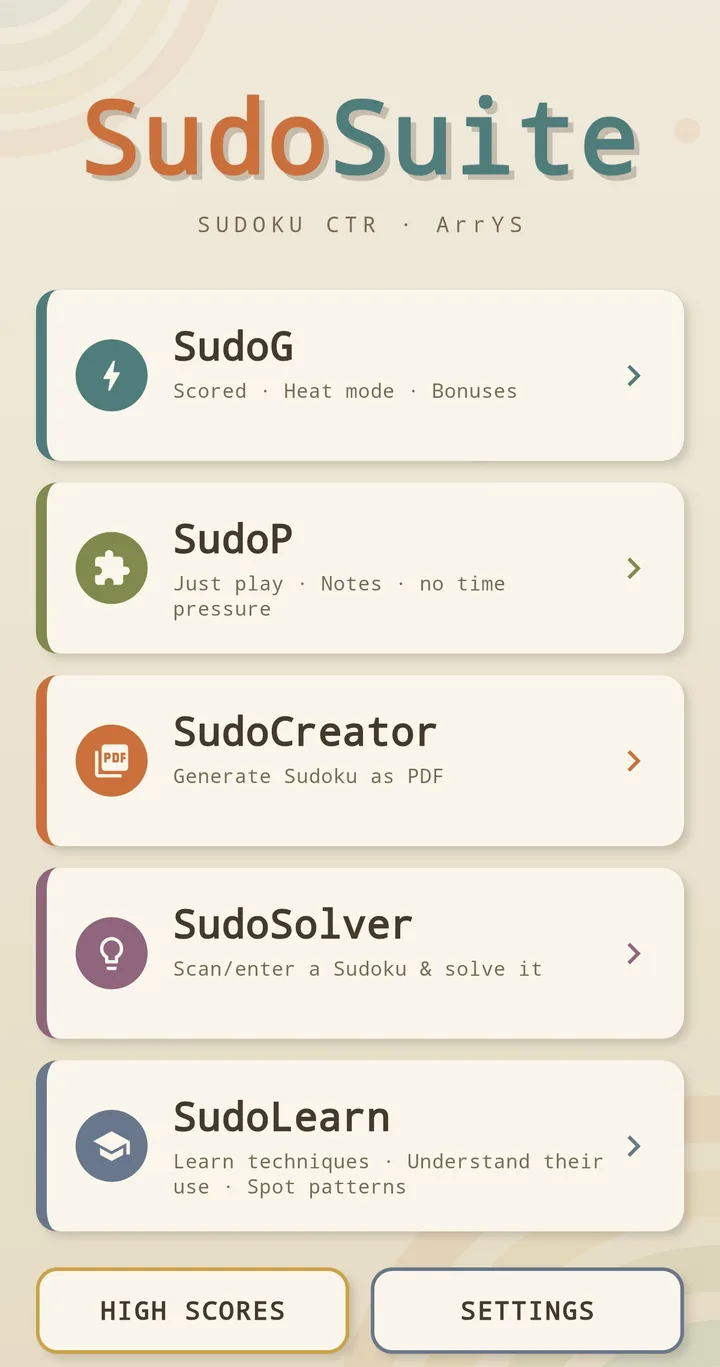
The menu in ecru
Five tools, five colours: teal for SudoG, olive for SudoP, orange for the Creator, plum for the Solver, steel blue for SudoLearn. Cards with a soft shadow instead of a glowing edge — and those arcs along the top that neon doesn't have.
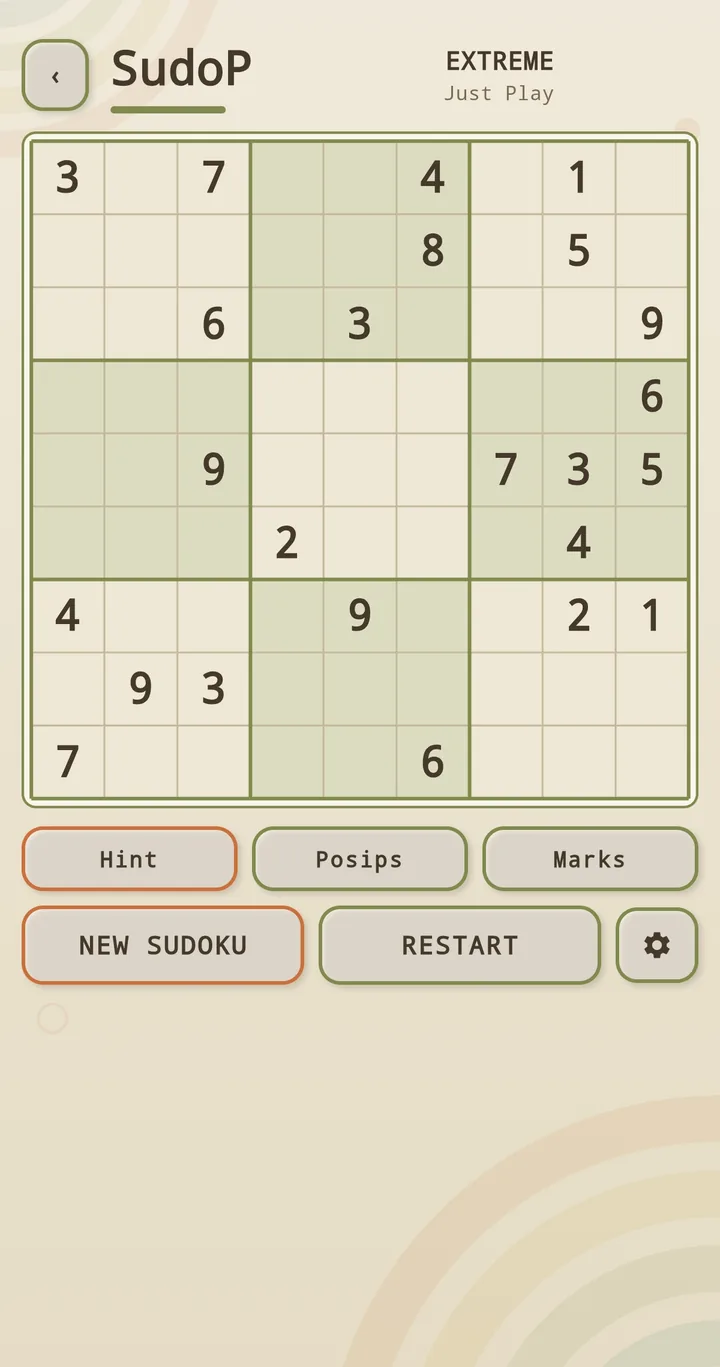
This is what playing looks like
The grid in cream, the digits in umber, the box you are looking at in sage. The buttons have edges like real keys — Hint, Posips and Marks sit exactly where they always sit.
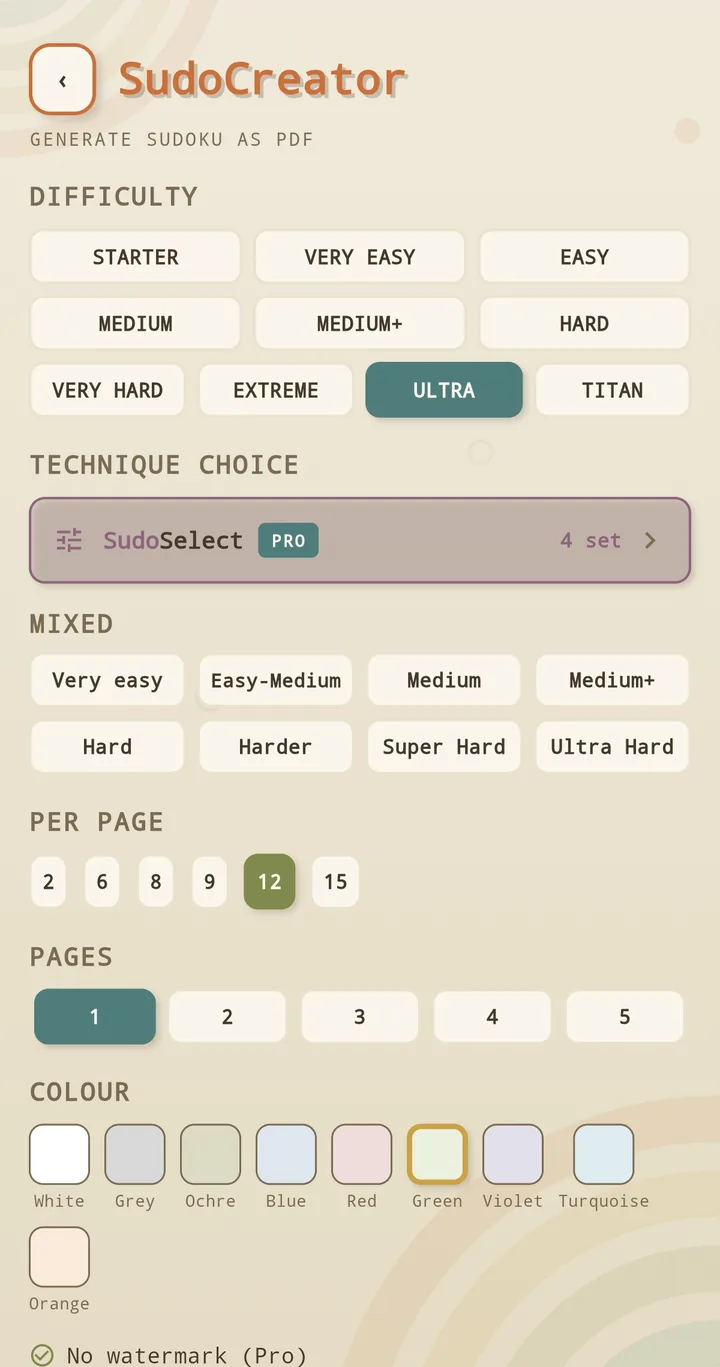
The Creator in autumn colours
Ten levels, nine paper colours, a QR code beside every puzzle: all there, only in mustard and terracotta. What comes out of the printer is still your call — anything from white to ochre.
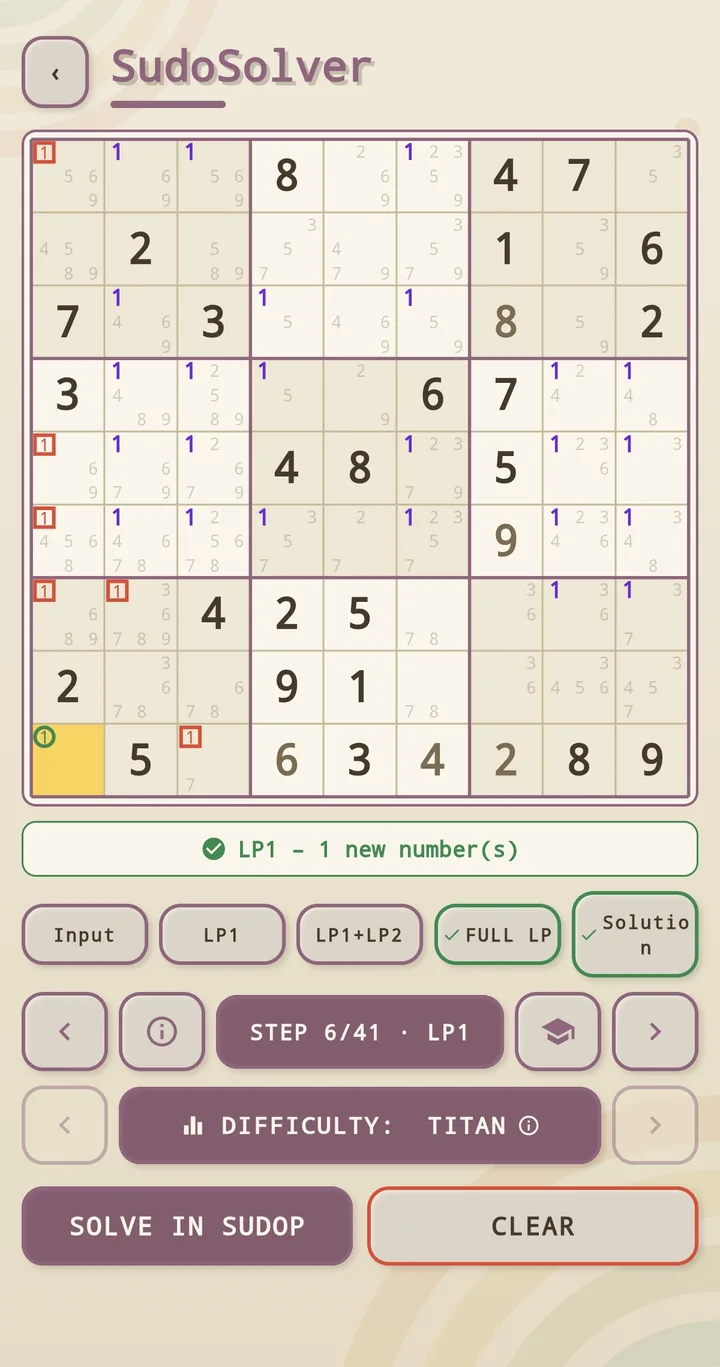
The Solver stays merciless
Plum instead of violet, step 6 of 41, difficulty TITAN. The design has gone cosy, the solver has not: it still shows every step by name and with its reason.
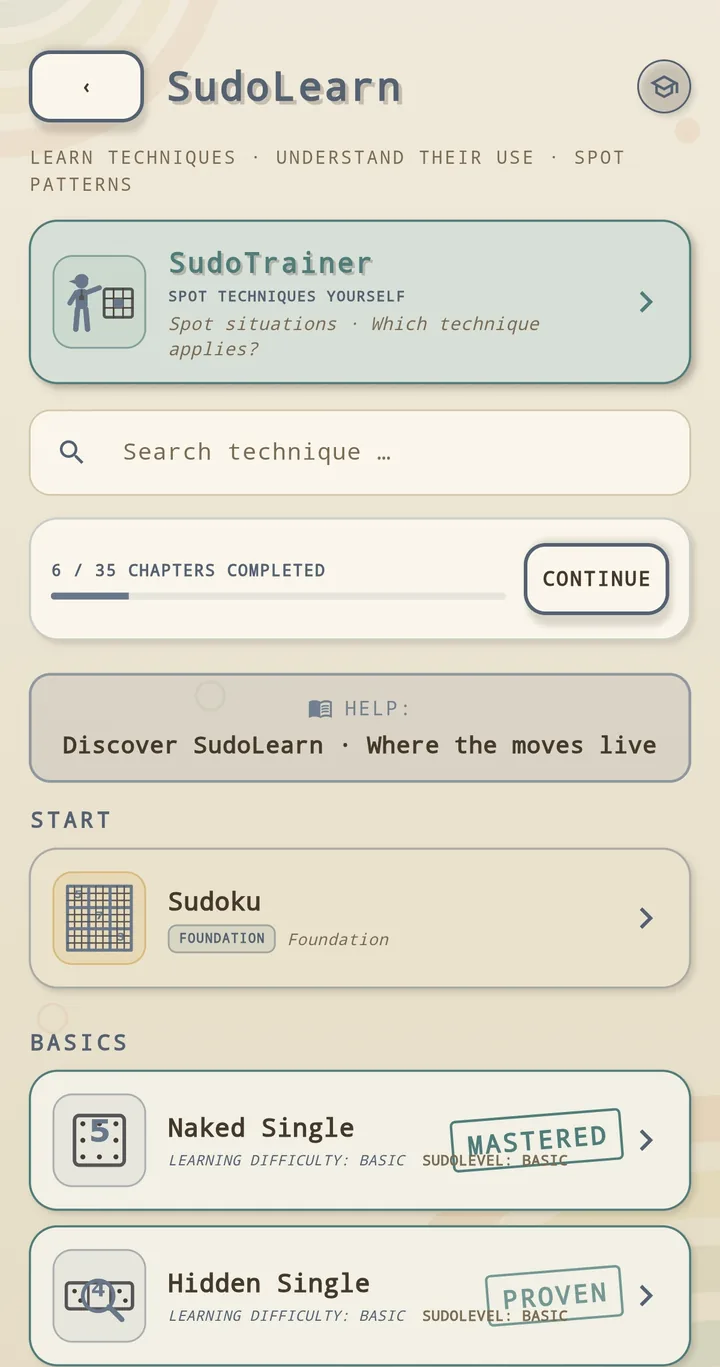
Learning in pastel
The MASTERED and PROVEN stamps look like something from an old autograph book here. You still earned them — SudoLearn keeps checking your reasoning, not just your answer.
What changes — and what doesn't
- Different: colours, lettering, surfaces, borders, shadows. The whole interface, not merely a background picture.
- The same: every function, and every button in the same place.
- The same: your progress, your statistics, your high scores.
- The same: the price. Both designs are part of the free version.
See for yourself
Free, no account, playable offline. You switch the look in the settings — there and back, as often as you like.
Common questions
Does the retro design cost extra?
No. Both designs are part of the free version. Pro removes the ads and unlocks SudoSelect — it has nothing to do with the look.
Can I go back to neon?
Any time, in the settings under DESIGN. Nothing is lost in the process: progress, statistics and all settings stay.
Does retro change anything about the game?
No. The same puzzles, the same ten levels, the same techniques. Only the colours, the lettering and the surfaces are different.